Home
Cameras
Your private, live IP camera viewer for iPhone.
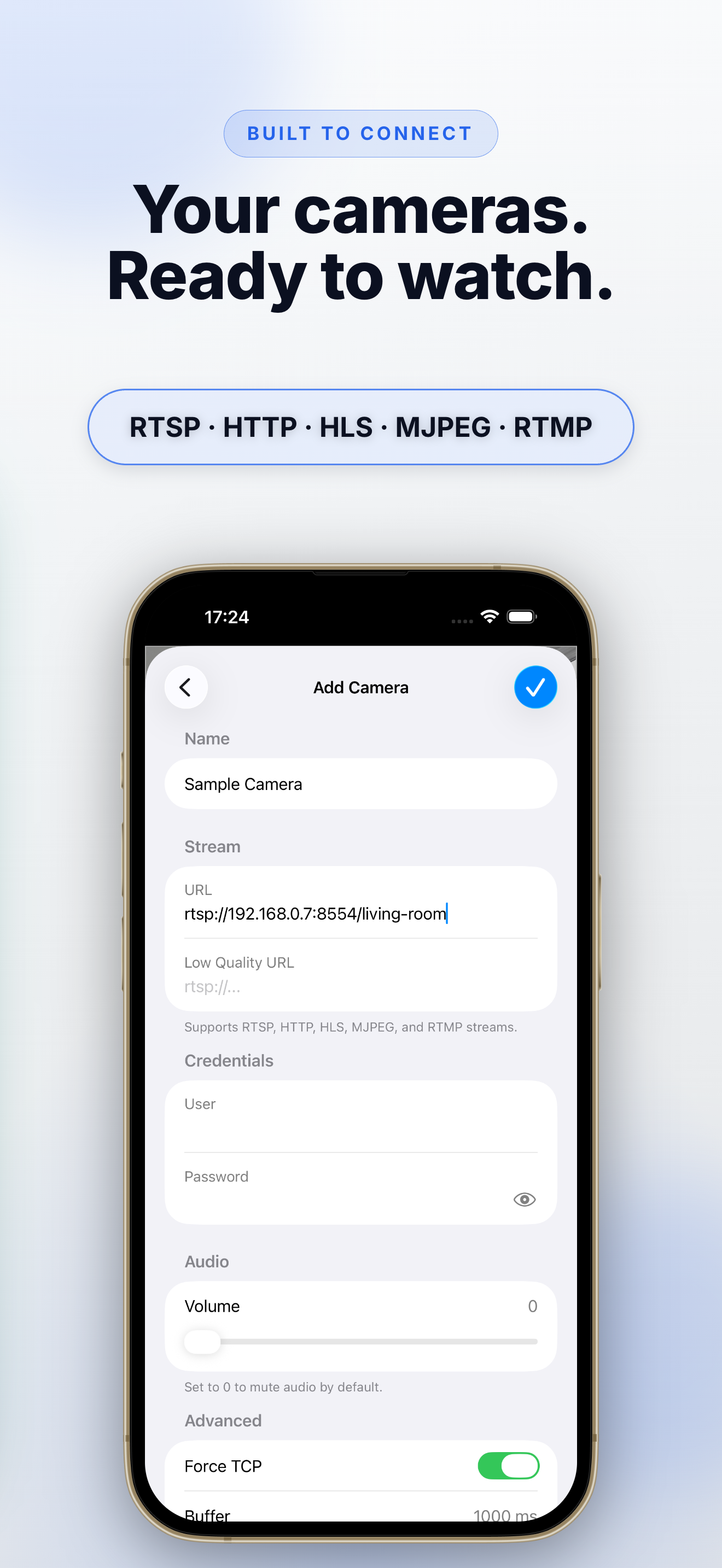
Monitor all your cameras in one place. Connect directly to RTSP, HTTP, HLS, MJPEG, and RTMP streams — no cloud account or subscription required.
Everything You Need to Keep Watch
A fast, direct way to view the cameras you already own.
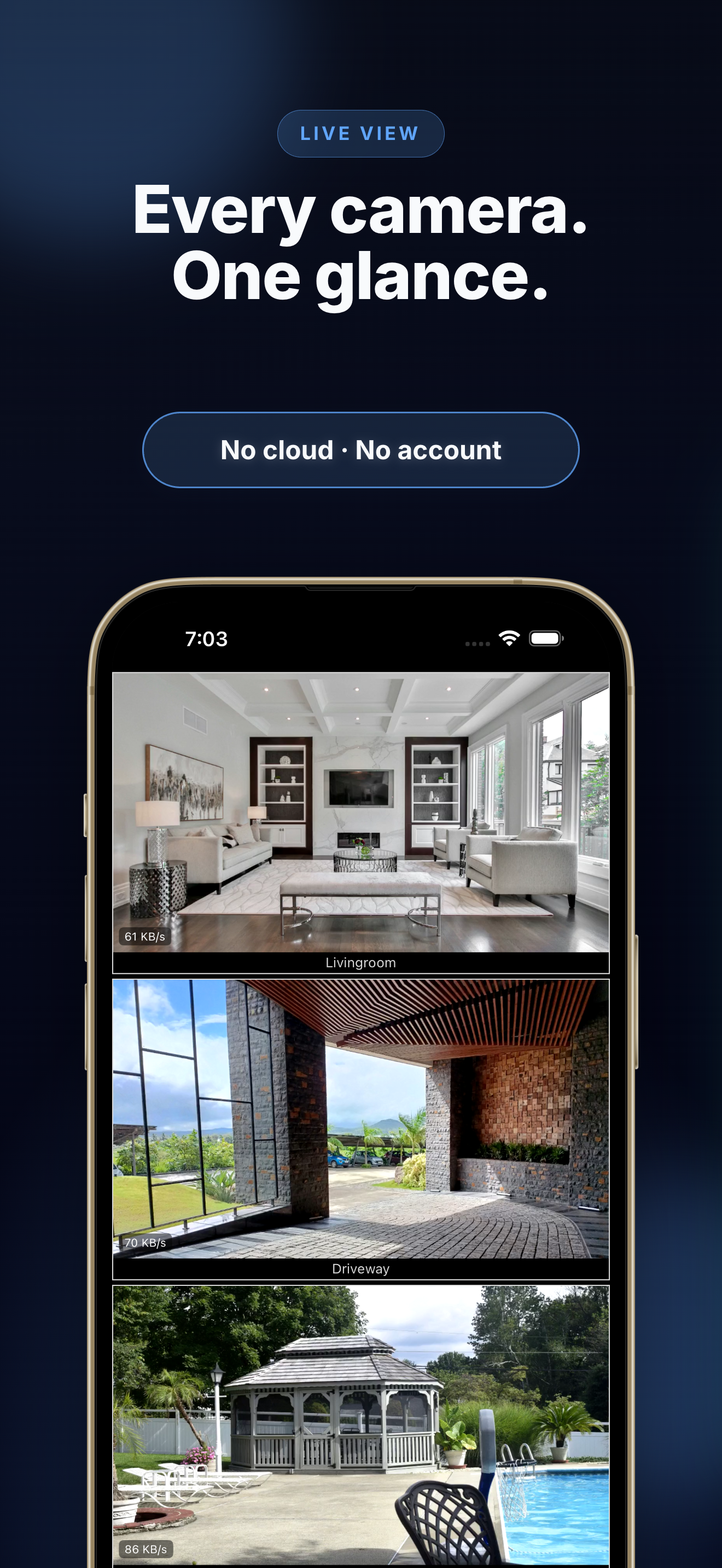
Multi-Camera Grid
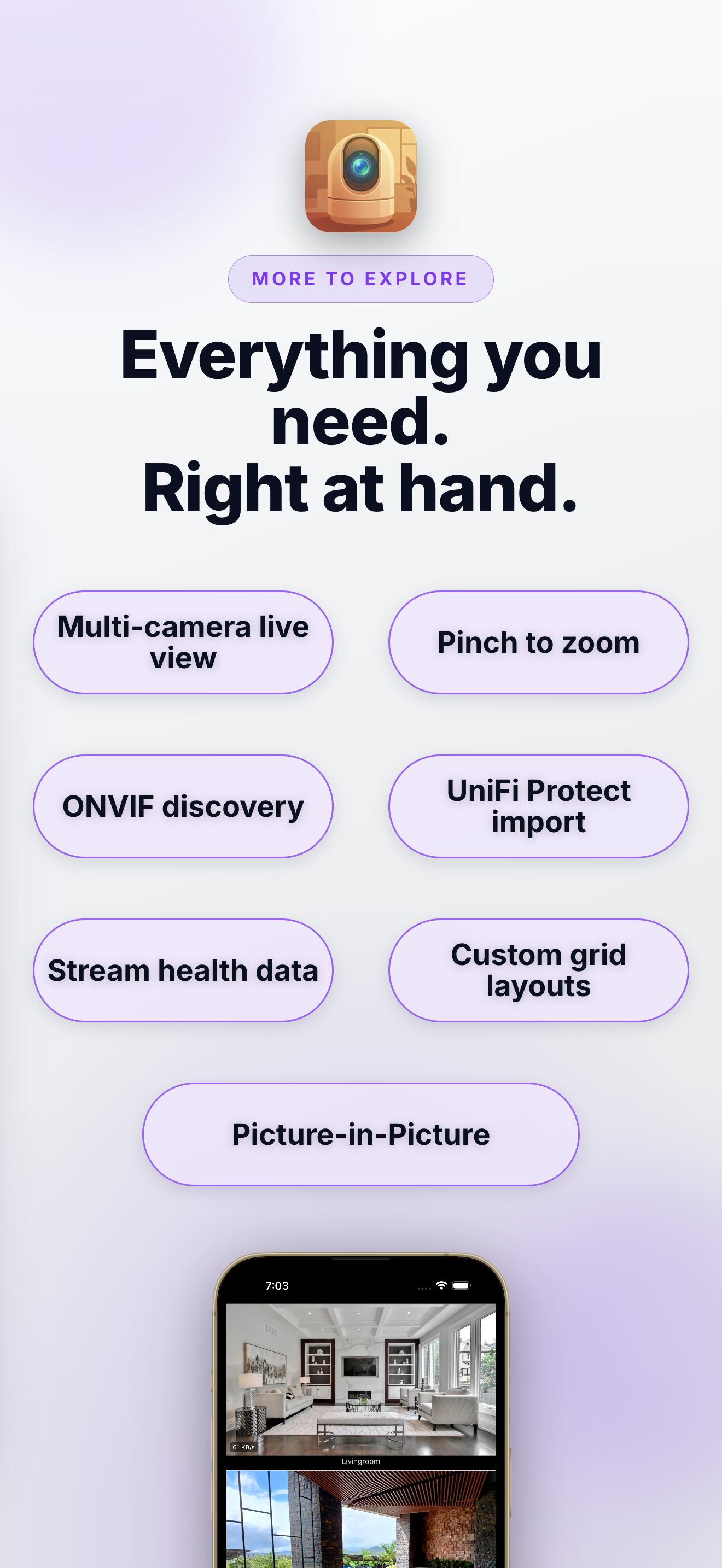
Watch all of your live cameras at once in an adaptive grid that fits your screen.
Private by Design
Connect directly to your cameras — no cloud account, subscription, or vendor lock-in.
Broad Stream Support
View RTSP, HTTP, HLS, MJPEG, and RTMP streams, including H.264 and H.265 video.
Discover Cameras
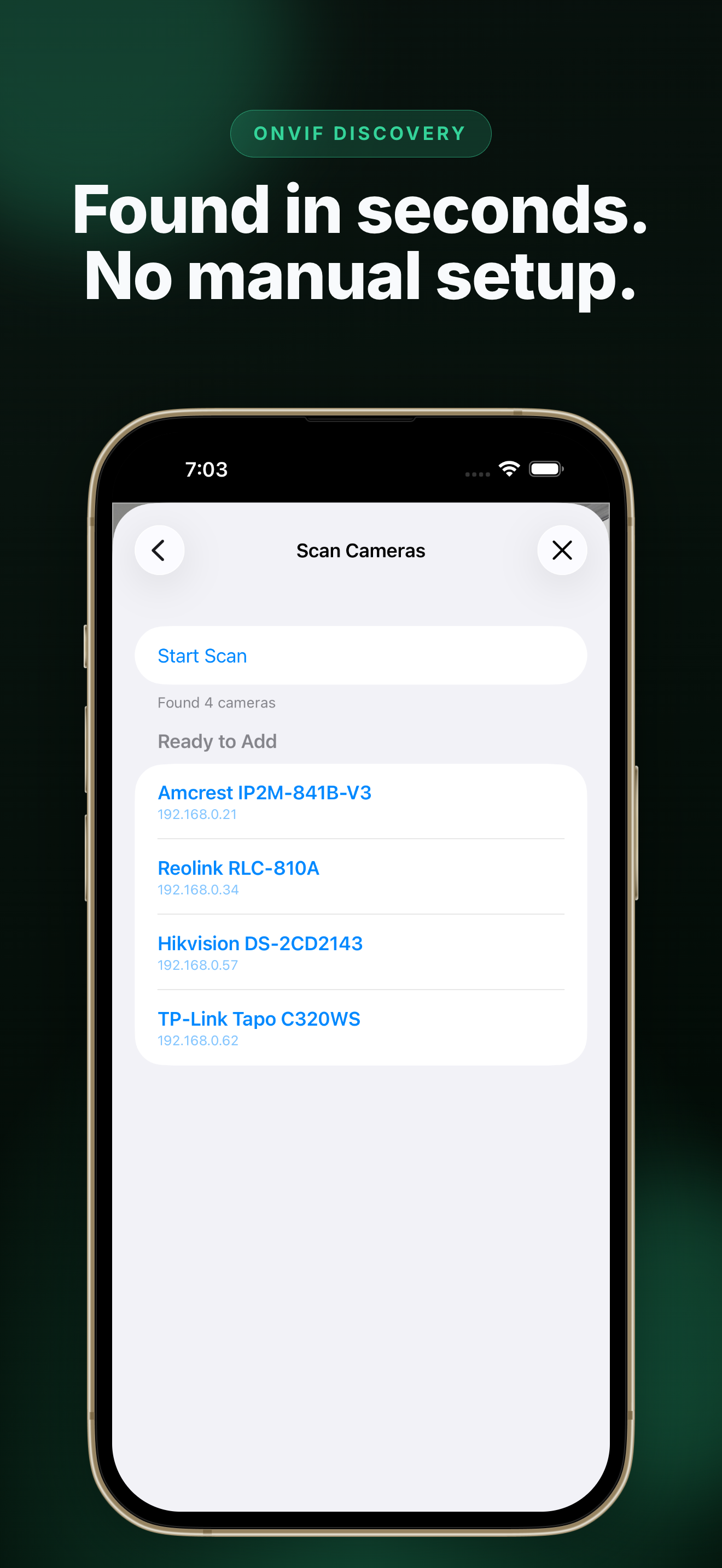
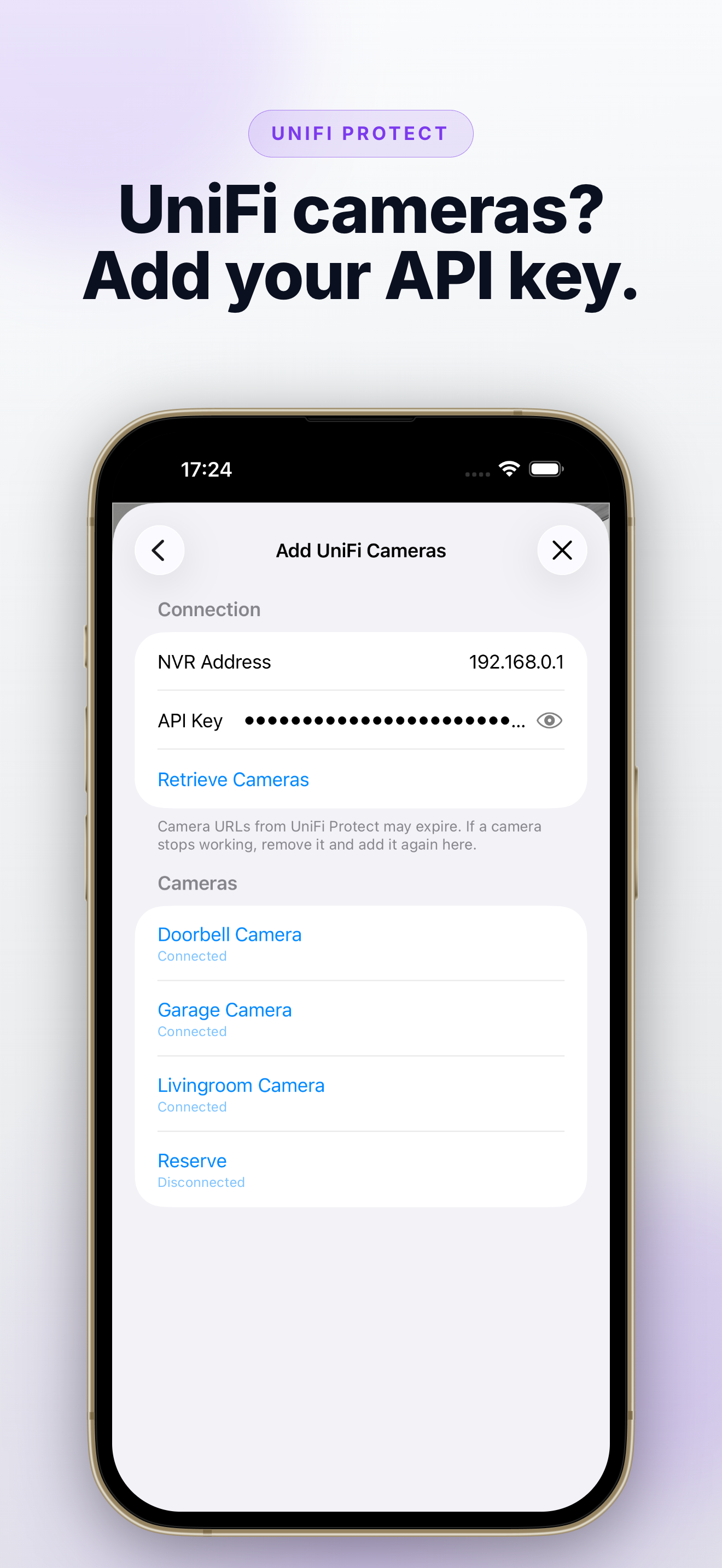
Scan your local network for ONVIF-compatible cameras or import them from a UniFi Protect NVR.
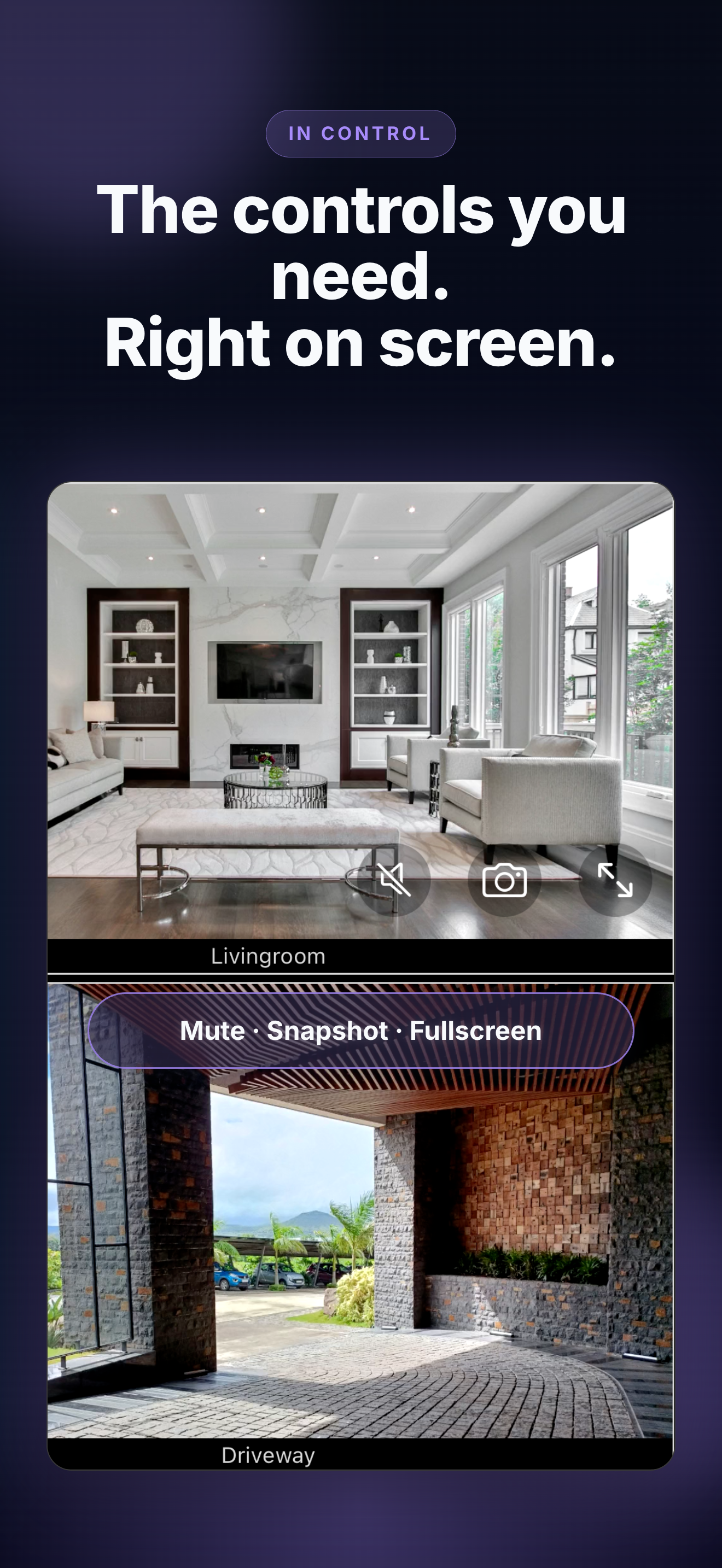
Zoom, Fullscreen & Audio
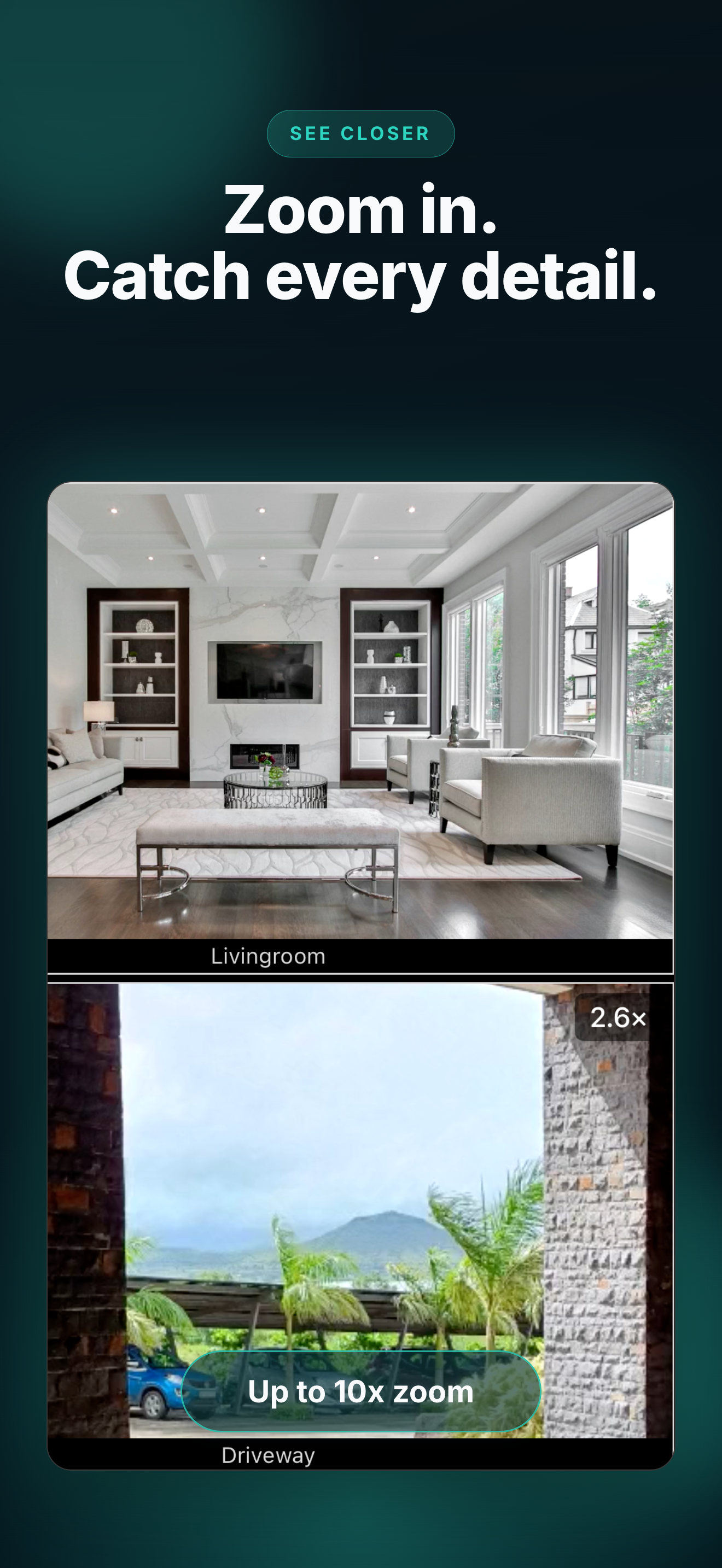
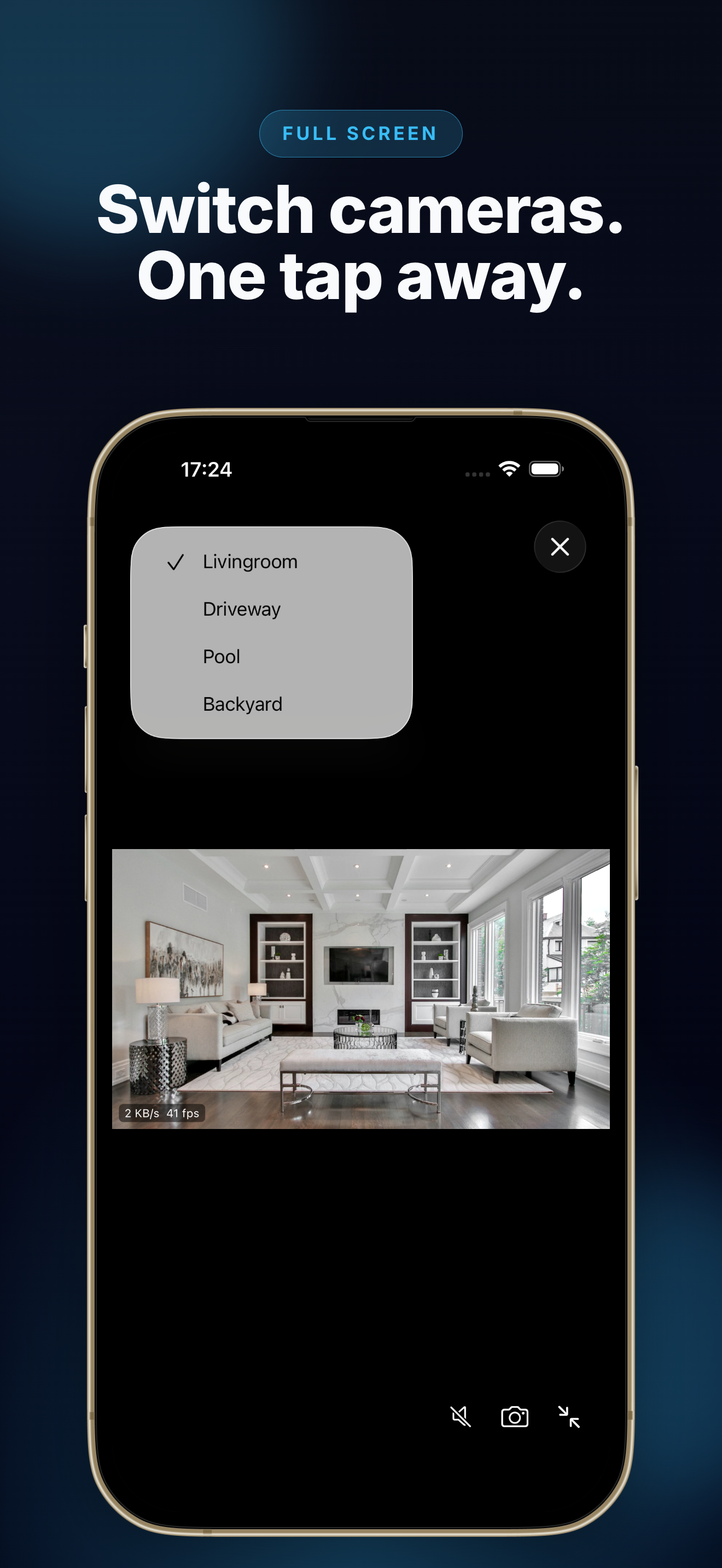
Pinch to zoom, double-tap for fullscreen, and adjust audio without leaving the camera grid.
Picture in Picture
Keep watching one camera in a floating overlay while you use other apps. Available with Home Cameras Pro.
Snapshots
Save a still frame from any camera straight to your Photos library.
Home Cameras Pro
More Control, More Cameras
Unlock every Pro feature forever with a one-time purchase. New users get a free 7-day trial with no payment required upfront.
Picture in Picture
Float any camera in an overlay window while you use other apps.
UniFi Protect
Import cameras directly from a UniFi Protect NVR.
HQ / LQ Switching
Toggle between high- and low-quality streams for each camera.
Live Data Stats
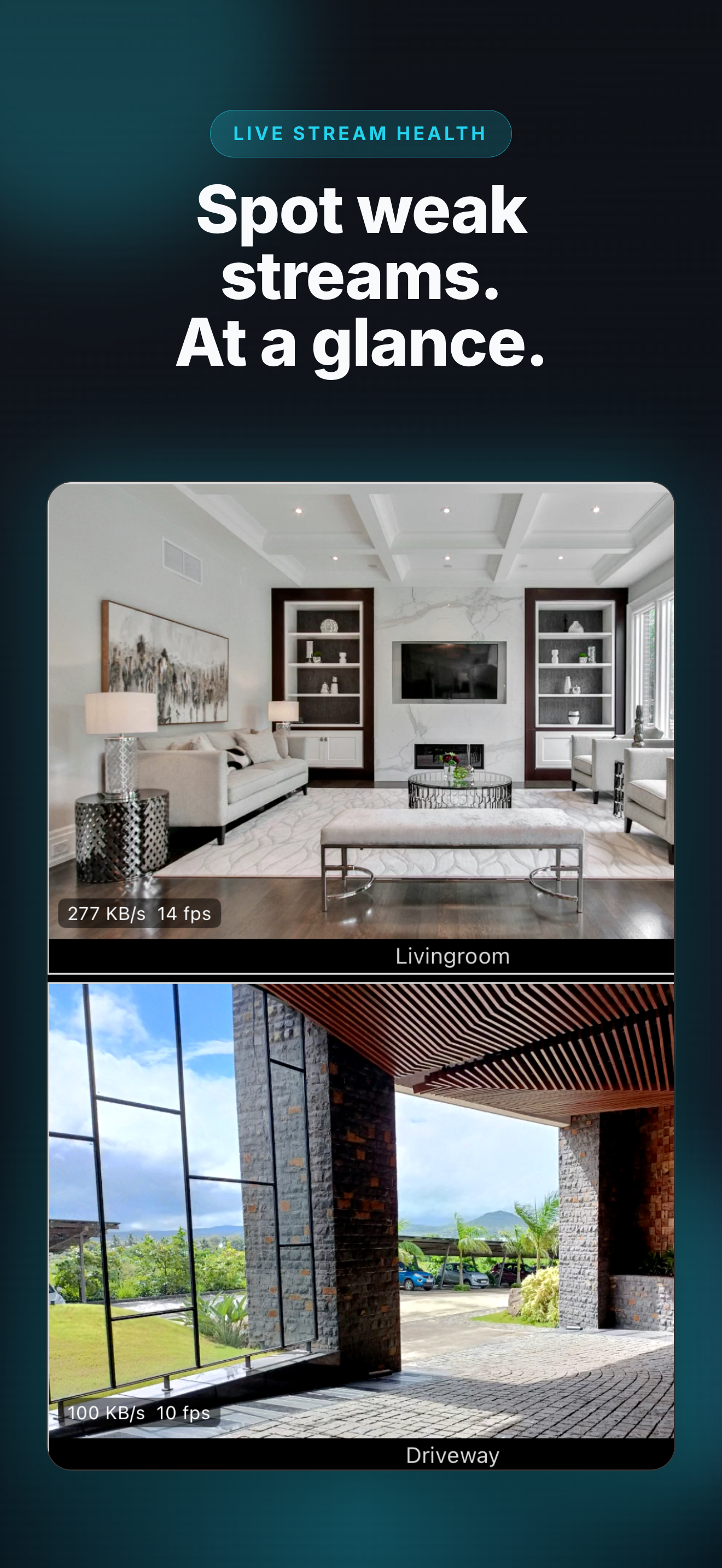
See real-time bitrate and frame-rate badges on camera tiles.
Advanced Grid Layout
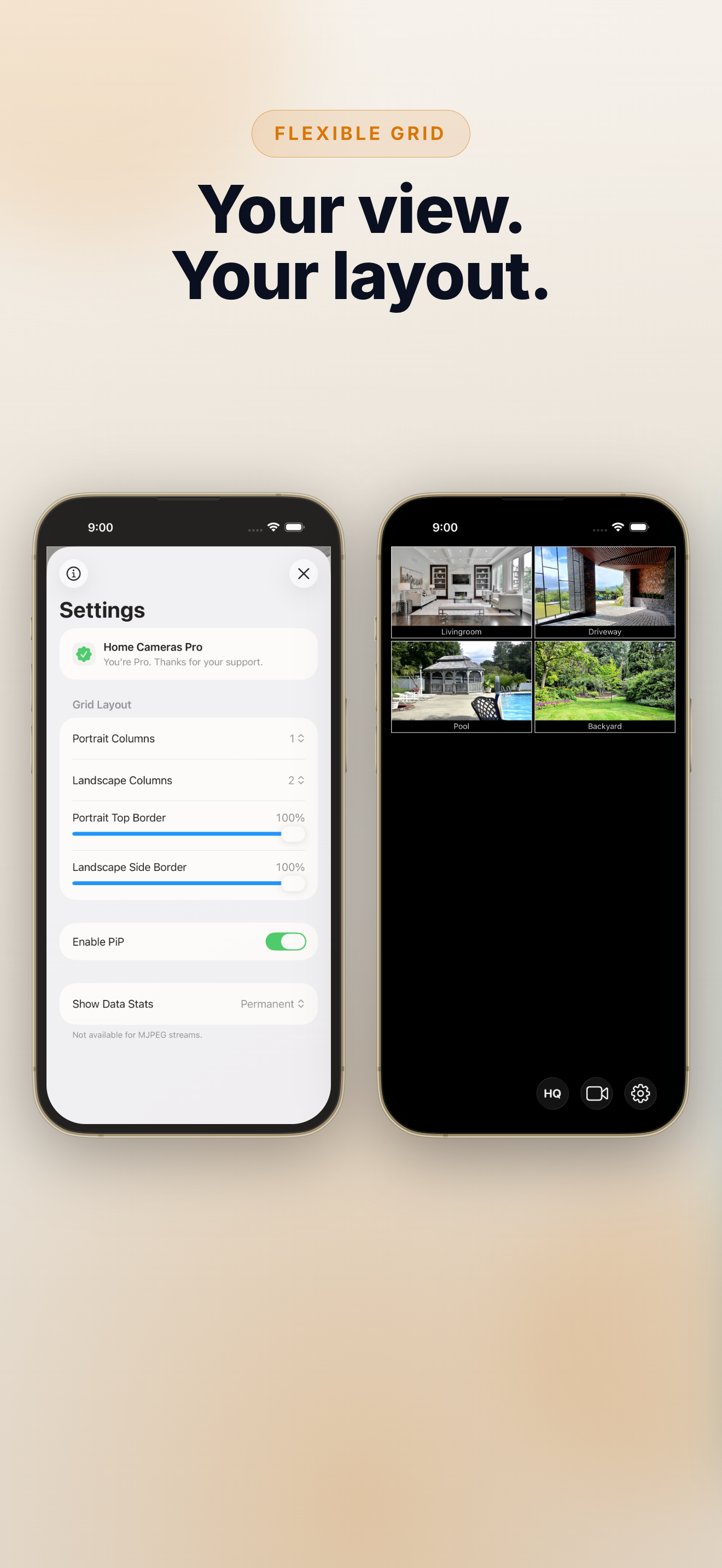
Choose one to four columns in portrait and landscape, then adjust the margins to your liking.
Import & Unlimited Cameras
Restore a camera list from a backup file and remove the free version’s limit of five active cameras.
See It in Action
How It Works
Add Your Cameras
Open Cameras and tap +. Add a stream manually, scan your local network, or import from a UniFi Protect NVR.
Watch Live
Your enabled cameras appear together in a responsive grid, with direct access to audio, snapshots, fullscreen, and more.
Make It Yours
Reorder cameras, choose your grid layout, and use Pro features such as Picture in Picture and live data stats when you need them.
How to Use
Adding Cameras
Open Cameras with the video icon and tap +. Add a stream URL and optional credentials manually, scan your local network, or connect to a UniFi Protect NVR.
Controls & Gestures
Tap a camera tile to show controls for audio, snapshots, fullscreen, and Picture in Picture. Pinch to zoom up to 10×, drag with two fingers to pan, and double-tap a tile to open it fullscreen.
Manage Your Setup
Enable or disable cameras, drag to reorder them, and export your camera list for backup. Passwords are never included in exports.
Customize the Grid
Choose one to four columns for portrait and landscape orientation. Pro also adds Picture in Picture, UniFi Protect import, HQ / LQ stream switching, live data stats, import, and unlimited active cameras.
Questions? Contact us at: apple (at) vivalvsoftware.de